HackTheBox: Keeper

This time we were playing the machine Keeper, which lets us see a little bit of KeePass.
KeePass is a free, open-source password manager. Passwords can be stored in an encrypted database, which can be unlocked with one master key.
Enumeration
We started by scanning the available ports with Nmap, and found ports 22 and 80 open (SSH and HTTP).
# Nmap 7.94 scan initiated as: nmap -p22,80 -sCV 10.10.11.227
Nmap scan report for 10.10.11.227
Host is up (0.064s latency).

PORT   STATE SERVICE VERSION
22/tcp open  ssh     OpenSSH 8.9p1 Ubuntu 3ubuntu0.3 (Ubuntu Linux; protocol 2.0)
80/tcp open  http    nginx 1.18.0 (Ubuntu)
|_http-server-header: nginx/1.18.0 (Ubuntu)
|_http-title: Site doesn't have a title (text/html).
Service Info: OS: Linux; CPE: cpe:/o:linux:linux_kernel
Nothing special came up on the scan. Next, we went to the website, and the portal shows a message telling us to visit tickets.keeper.htb/rt/.

This took us to a login page where we could identify the service and its version.
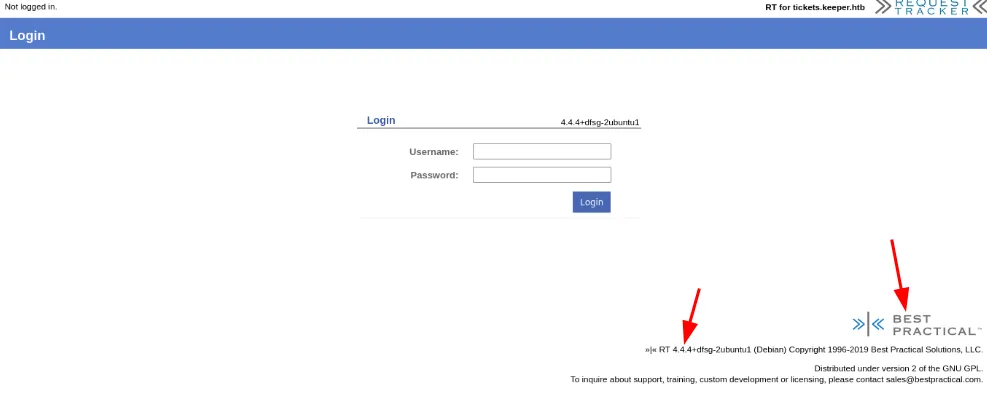
Looking for vulnerabilities or default credentials on the running service (BestPractical 4.4.4), we found the default credentials root:password, which gave us access to the admin panel.
Foothold
Searching a bit more on this website, we got to the Users screen by going to Admin > Users.
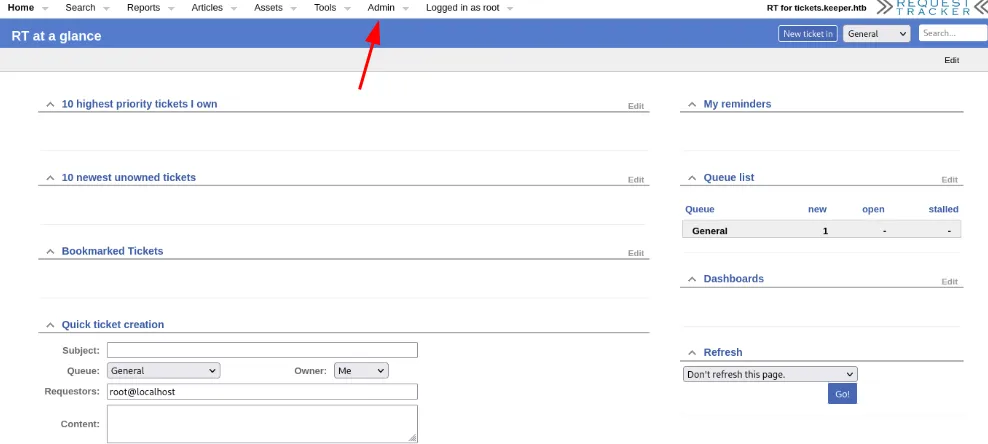
On the Users panel we identified two users. One of them was the root default account we already used; the other was more interesting because of the domain after the @, which tells us this user could belong to the server, but we need a password.

We clicked on the user for more findings, and the password was easy to get from the comments.
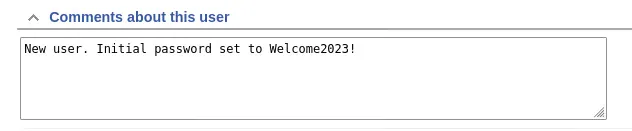
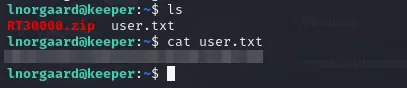
Now that we have a username and password, we try to connect via SSH on port 22. It worked, and we got our first flag.
Privilege Escalation
To get root access: we had limited access with the current user, who is not in the sudoers file. But there is a zip file in the user directory, RT30000.zip, which may have something interesting.
After unzipping it, we get two new files: KeePassDumpFull.dmp and passcodes.kdbx. We transferred them to our attack host to investigate further.

Searching, we found a PoC: KeePass 2.X Master Password Dumper (CVE-2023-32784).
KeePass Master Password Dumper is a proof-of-concept tool used to dump the master password from KeePass’s memory. Apart from the first password character, it is mostly able to recover the password in plaintext.
https://github.com/vdohney/keepass-password-dumperUsing this tool on the .dmp file, we got part of the password: dgrød med fløde.

Just out of curiosity, we pasted it into Google and got the whole phrase and its meaning, which made our findings make sense.
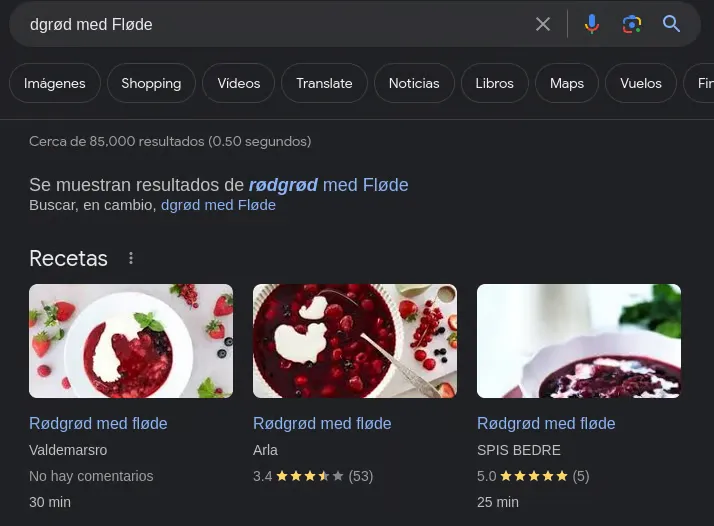
Rødgrød med fløde, red berry pudding with cream, is the hallmark dessert of Denmark.
We have a password: rødgrød med fløde. We tried to open the file with keepass2, but it threw an error (likely because the password has special characters), so we used the web service https://app.keeweb.info/ to open the KeePass file and see its content.
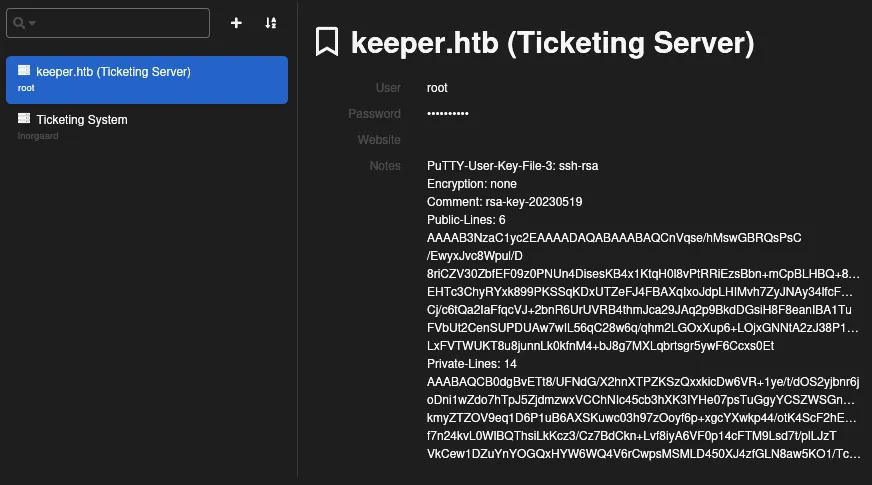
The file held a root username and password, as well as a PuTTY user key that can be useful to get SSH access with a private key.
Since the username and password didn’t work, we took the PuTTY key and converted it into an OpenSSH key. We copied the whole PuTTY key text into a new file passcodes.ppk and used puttygen to convert it.

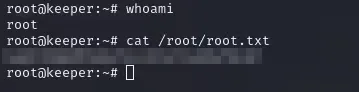
Finally, we used the generated id_rsa to log in with SSH. We got root access to the server, and there is our last flag.
Thanks for reading.